
Mulebuy Spreadsheet Subject Access: your Mulebuy account, read as a data record
Browse a catalogue of product finds without signing up to anything, and find out what a Mulebuy account recorded about you: what Mulebuy’s privacy policy promised, what UK data protection law lets you ask for, and how to put that request in writing yourself.
An independent guide: not Mulebuy, not run by it, not linked to it. When we loaded mulebuy.com on 19 October 2026 it gave back a Cloudflare 522 page.
Browse all 16 product categories
These photographs identify the product type, not guaranteed stock, quality or a live price. Open a category, then check the individual seller listing and your chosen agent’s restrictions.
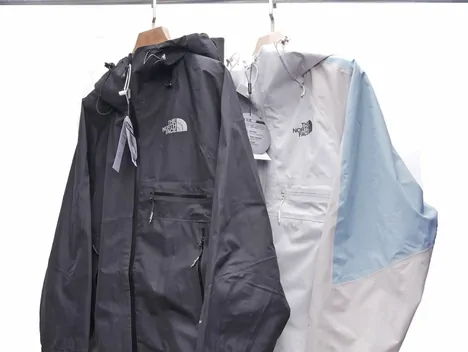
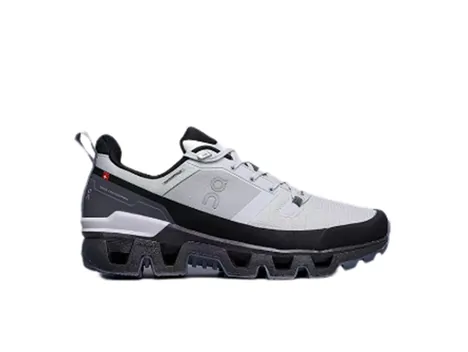
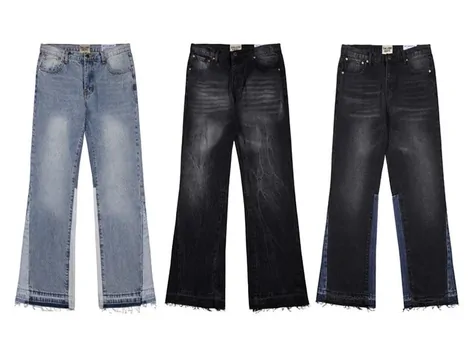
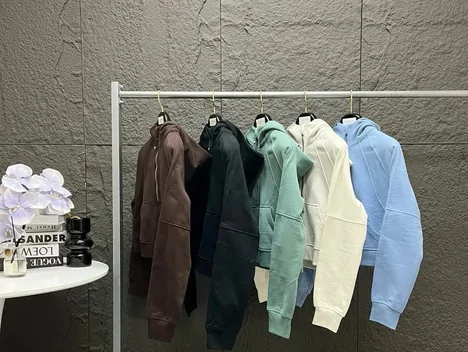
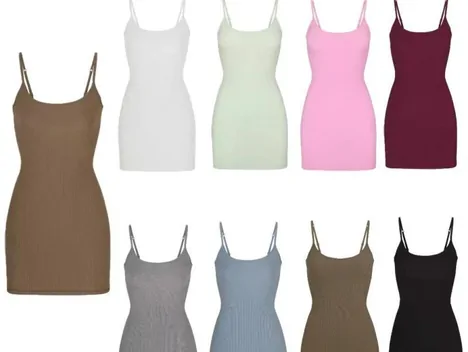
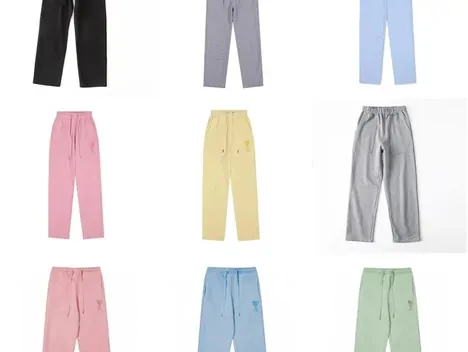
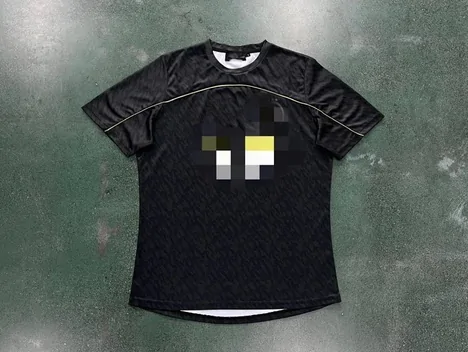
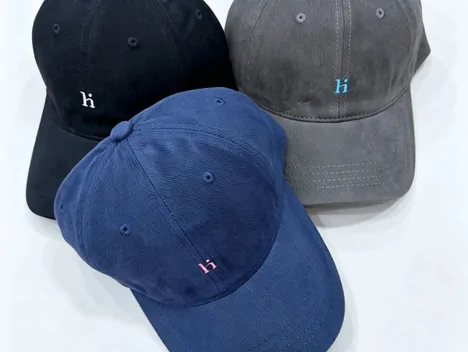
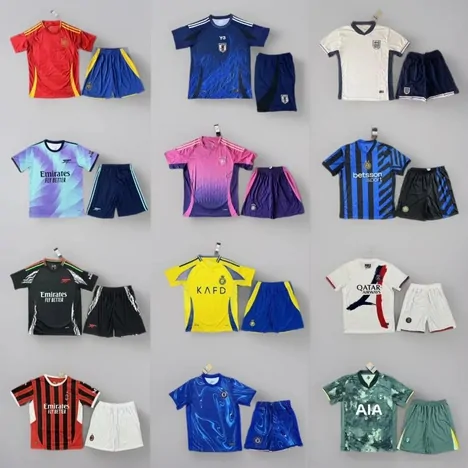
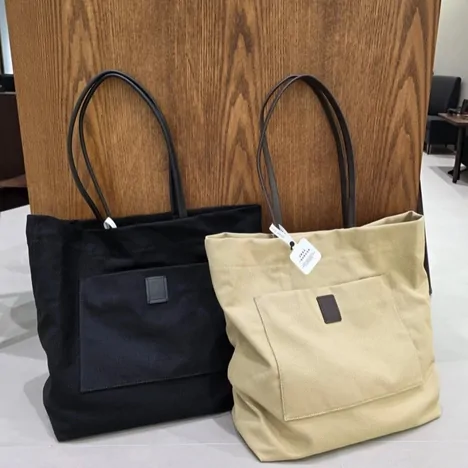
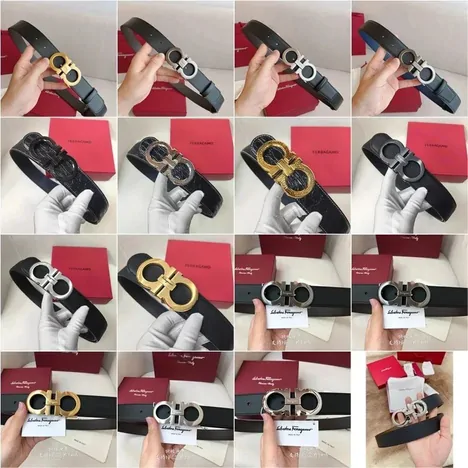
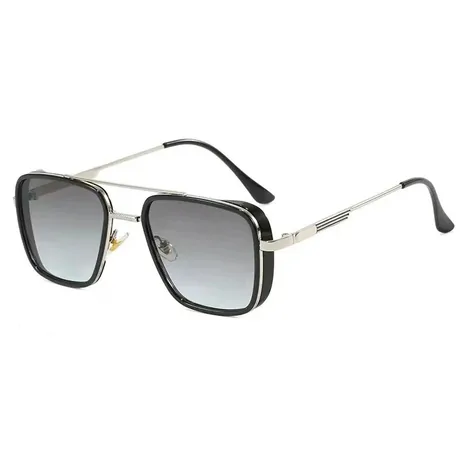
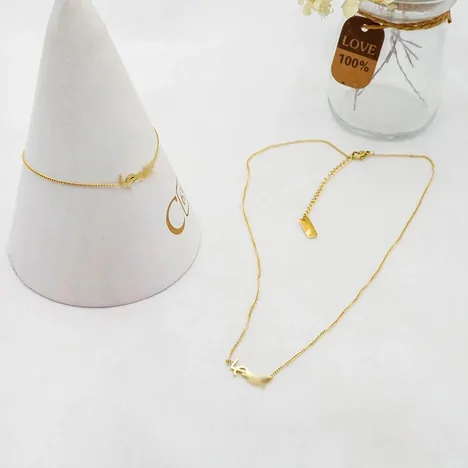
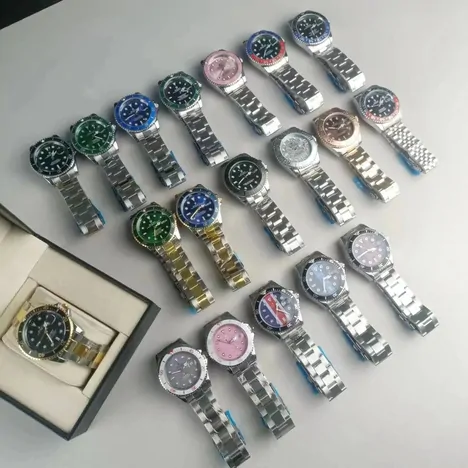

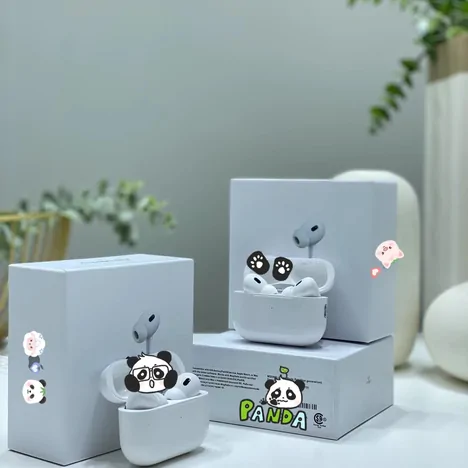
Browse a Spreadsheet; choose an agent separately
A Spreadsheet is a directory of product links, not an agent account or a checkout. An agent purchases from a seller, receives the item at a warehouse and arranges international forwarding. Those services create different records: the item and variant, the domestic order, warehouse photos, your parcel instructions and the delivery address. Browsing a find does not by itself require you to supply all of those details.
Subject Access connects shopping decisions with the records behind them. Keep enough evidence to explain an order problem, while avoiding unnecessary identity documents or personal details in public posts. Our request drafter prepares text for you to review and send; it cannot access your account, submit a request or promise a particular legal outcome.
Request drafter: a letter you can send yourself
The drafter turns a few ticks into two things: a map of where each piece of your Mulebuy data usually sits, and a plain letter asking for a copy of it, for its deletion, or for both. You tick the data you remember giving, such as an email address, a delivery address, an ID or tax number for customs, or chats with support, and choose the kind of request. The letter names the matching right in the UK GDPR, leaves your name and account email for you to fill in, and never leaves your browser: the page sends nothing and keeps nothing once you close it.
It does not work out whether you are owed anything, it does not post the letter for you, and it is not legal advice. What it saves is the half-hour spent deciding which article to cite and which details to include so that the request can be matched to your account and answered.
Keep a useful record, not a public copy of your account
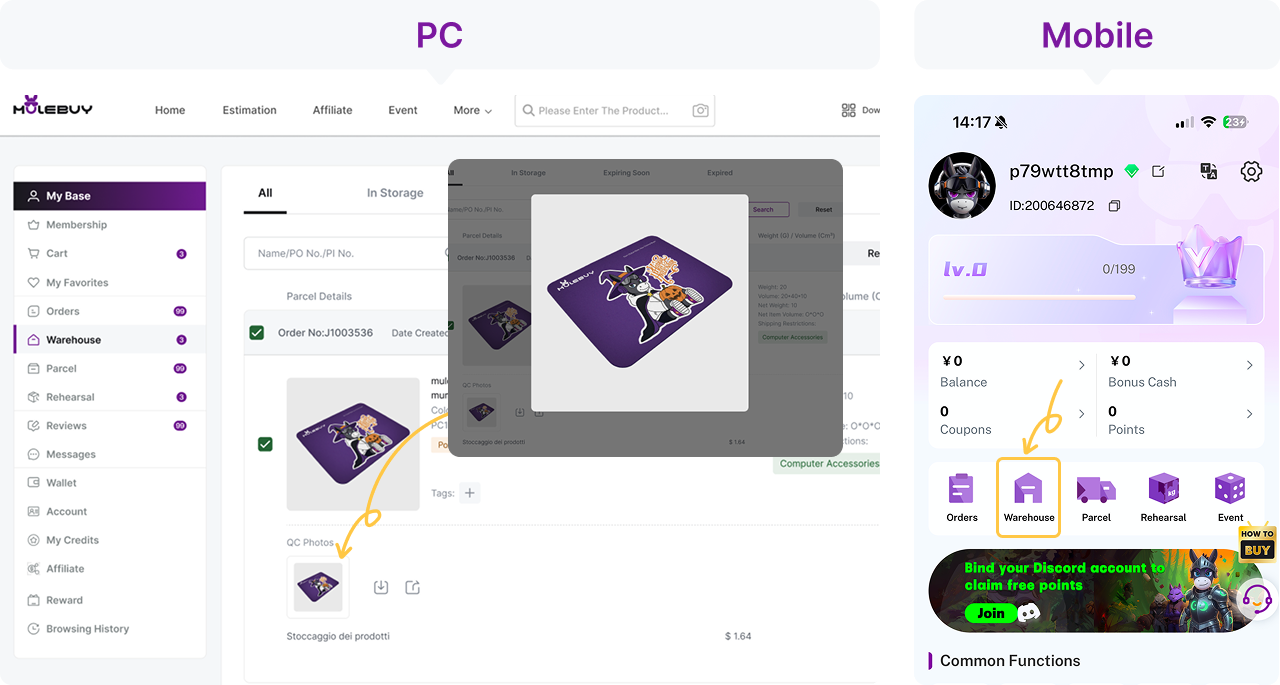
Save the order identifier, selected variant, payment receipt and the relevant QC photo privately. When asking a public community for help, hide your address, phone number, payment references and unrelated orders. Questions about personal data should go to the organisation that actually holds it.
A clear next step
Need to resolve a variant, cost or photo question? The detailed guide explains what to check at each stage and what to keep as evidence. You can browse the catalogue before committing to an order.
Images: catalogue photographs are category examples, not this site’s purchases or verified Mulebuy orders. Drawn material, dimension and lettering examples explain a concept; they do not certify the depicted product.